

Your clean PDF
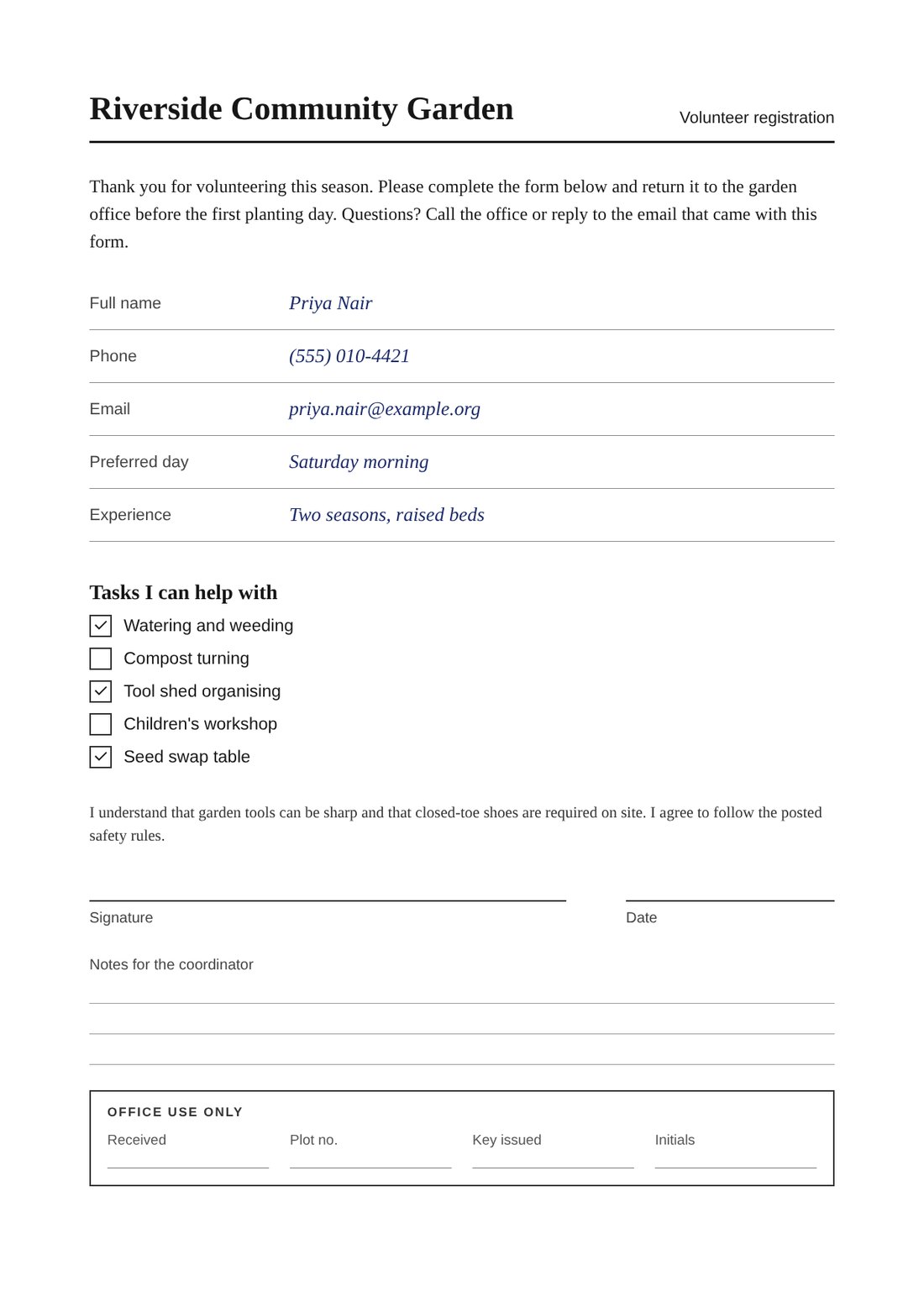
Every picture here is the same fictional volunteer form for a community garden, rendered by the app. It starts as a clean file: pure white paper, perfectly black text.
Drop in a clean PDF and get back a page that looks printed and scanned, or folded and photographed on a phone. Or turn a photo of a page into a flat scan.
Every picture here is the same fictional volunteer form for a community garden, rendered by the app. It starts as a clean file: pure white paper, perfectly black text.
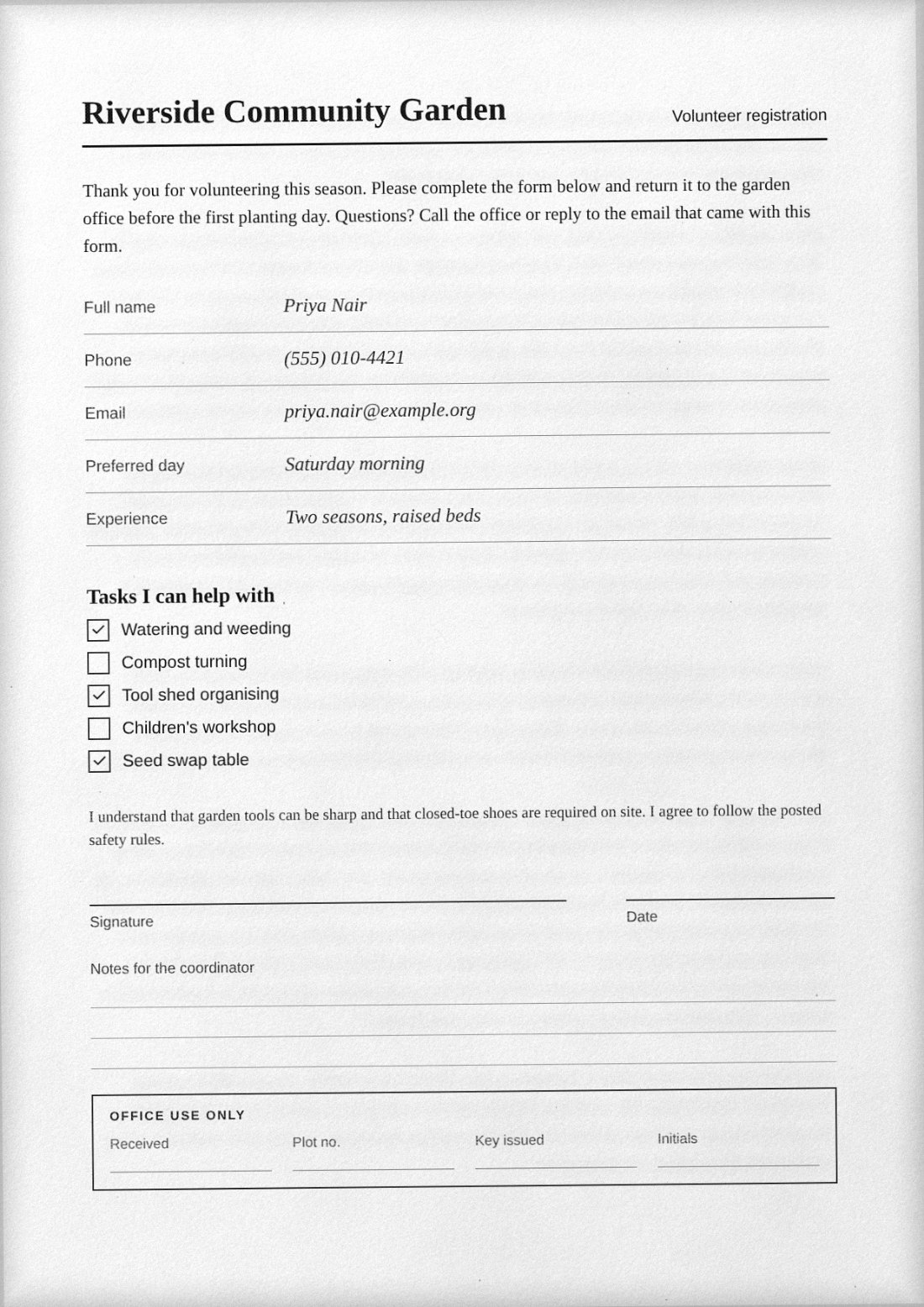
An evenly lit page with a slight skew, softer toner, sensor noise and the dark edge a scanner lid leaves. Choose the paper and the printer, down to 1-bit black and white or fax.
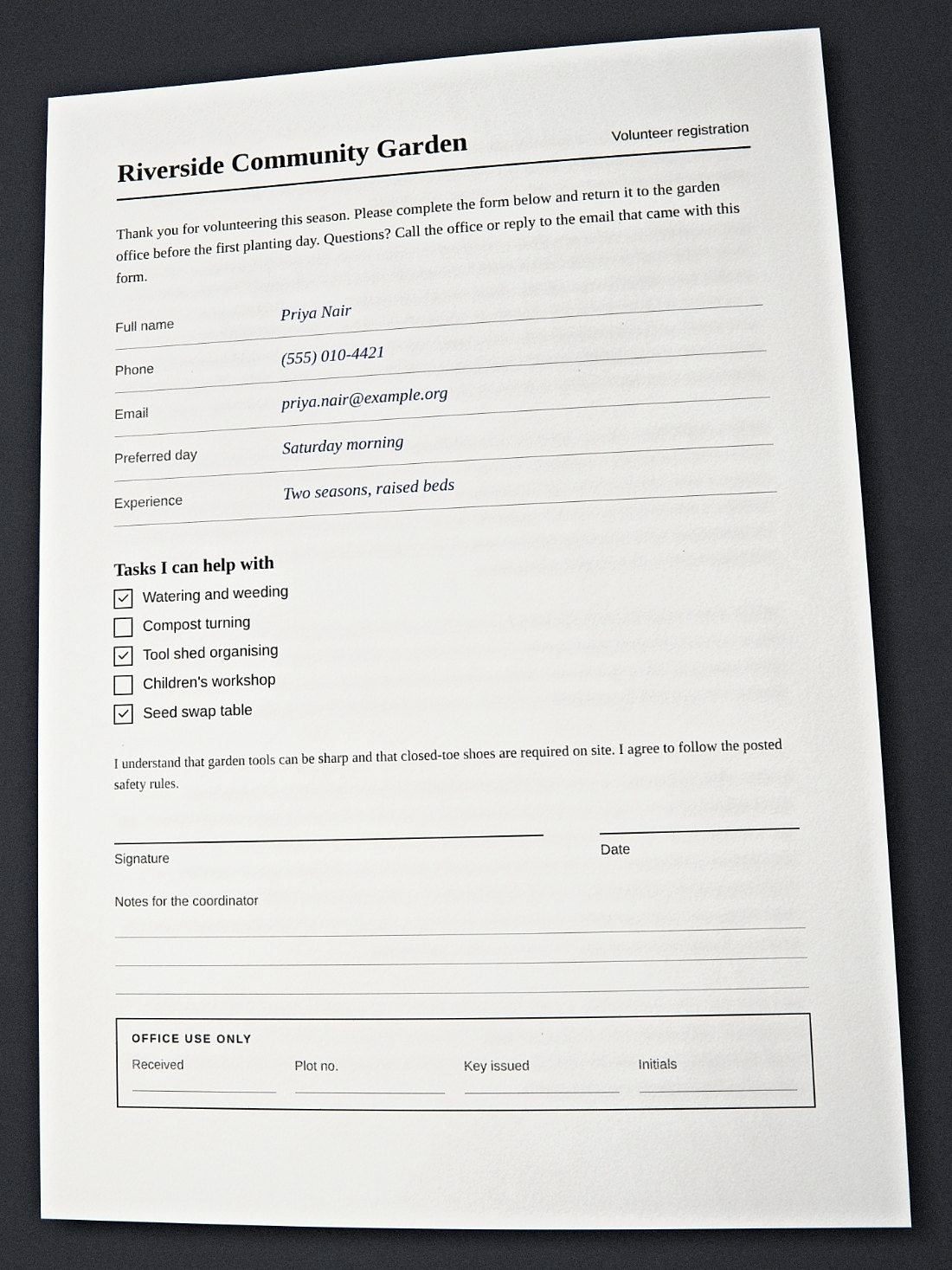
Perspective tilt, a little glare and the slight lens bend of a phone camera, on a white table, a dark desk or a car seat.
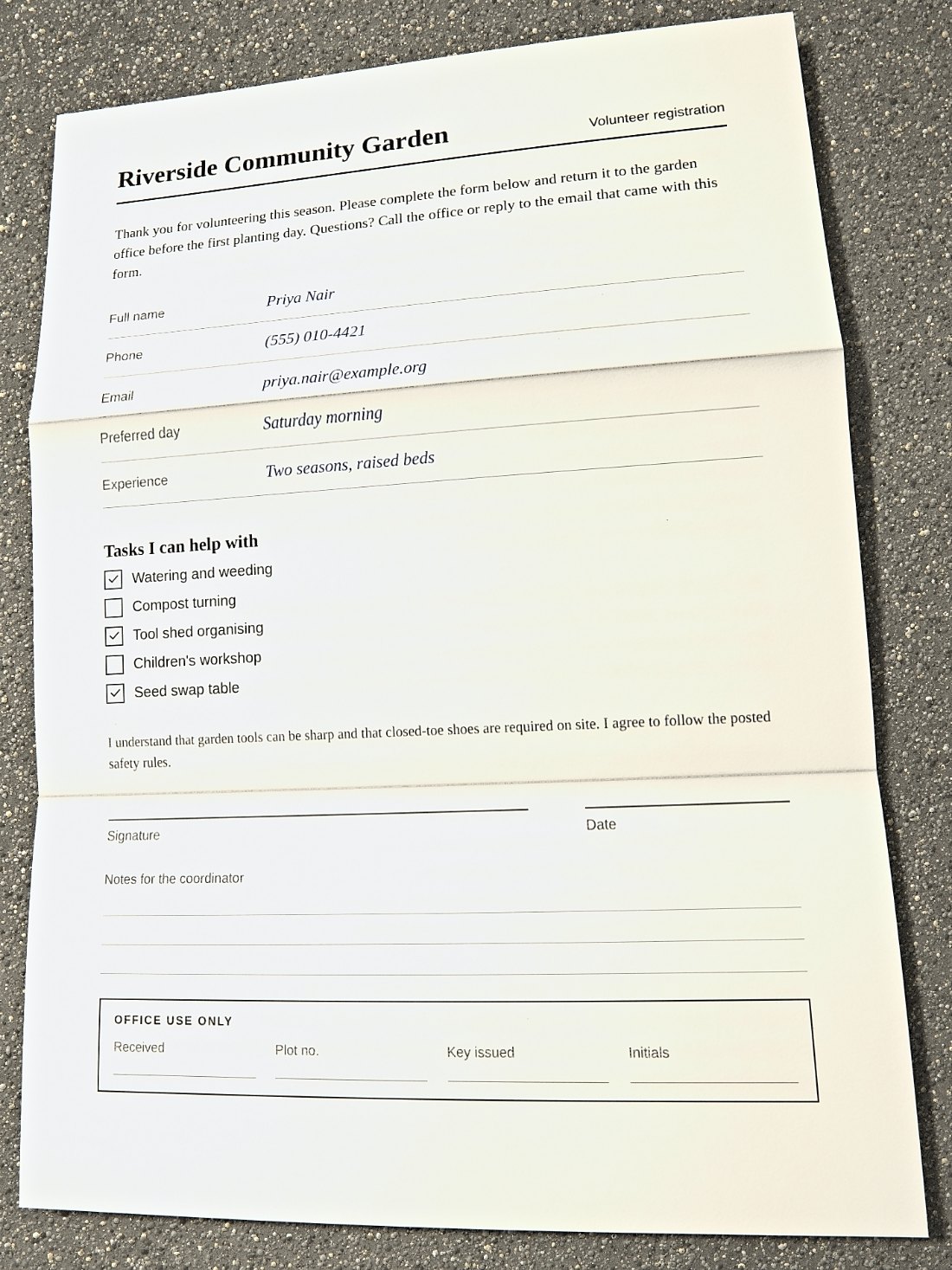
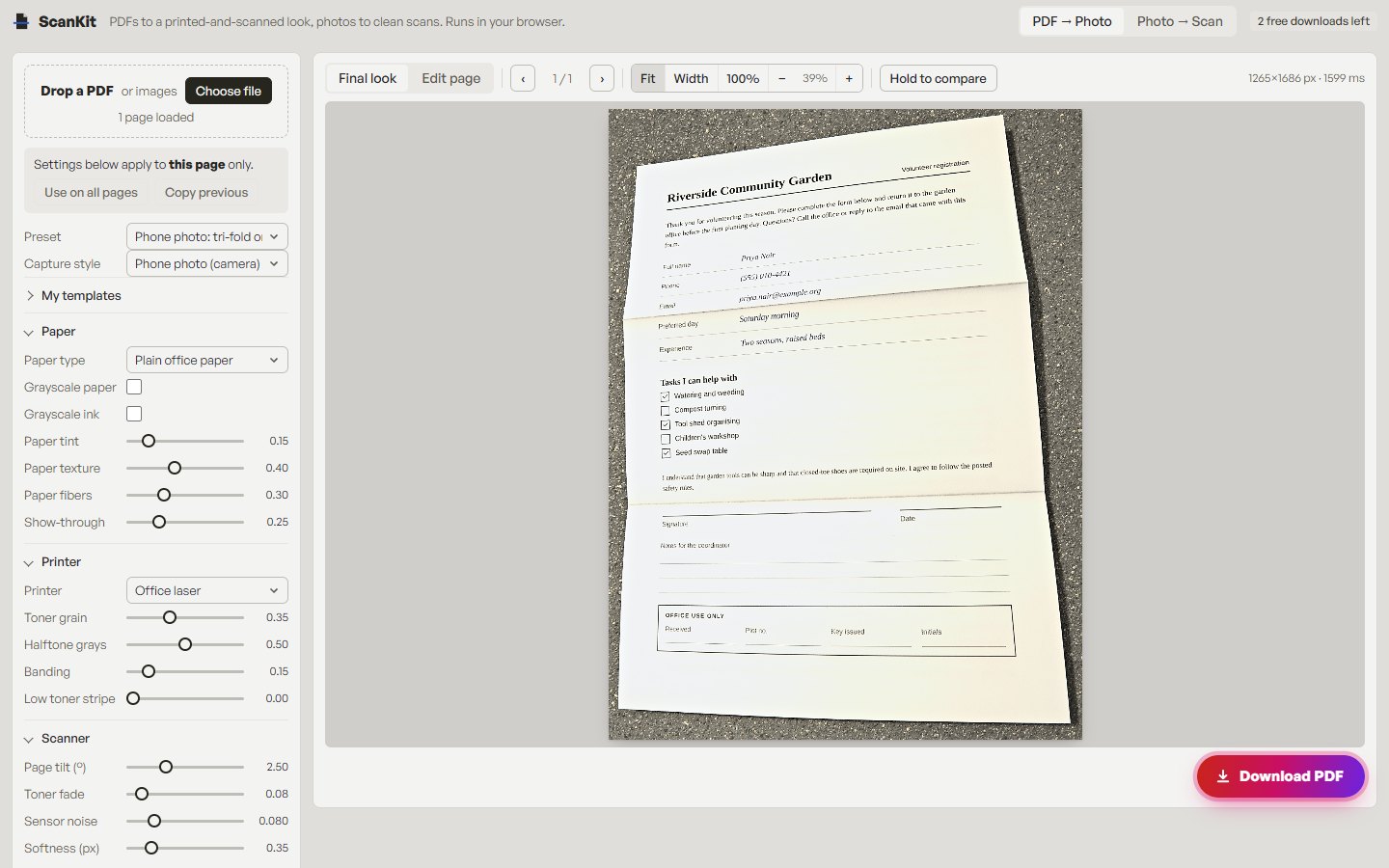
The app's default: the letter folded in thirds, opened out and photographed on a sunny pavement. Fold it in half, crease it or turn down a corner instead.
Photograph a page you own, a letter or a notebook page. The app finds its four corners, straightens it and cleans it up in colour, grayscale or black and white. How it works
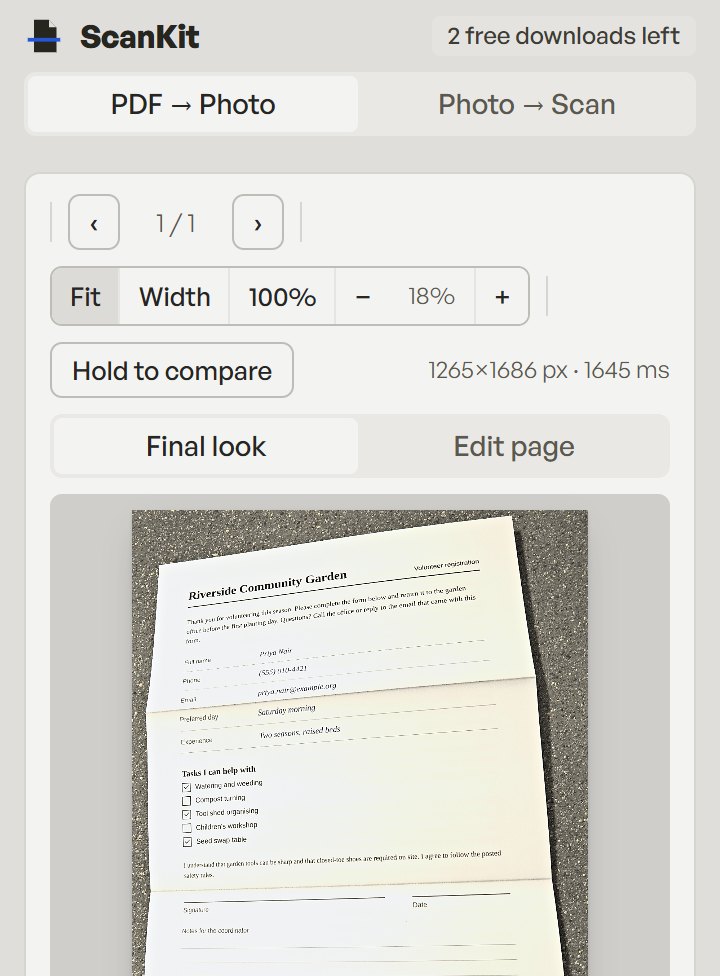
Every step runs in your browser tab, on a computer or a phone. Your document is never uploaded.
Payment is taken by PayPal; we never see your card. To count the free downloads the site keeps a signed cookie and a salted hash of your IP address. Privacy policy
No. Pages are rendered and processed in your browser, and your documents are not uploaded for processing. Payment is handled by PayPal. The privacy policy covers what the site itself does store.
Two free PDF downloads a day, and up to three a week from one internet connection. They reset at midnight UTC each day, and the weekly count resets on Monday; the app tells you when your next free download is available. Previewing is always free, and a subscription gives unlimited downloads.
Cancel in PayPal: go to your PayPal account, then Settings, then Payments, then Manage automatic payments, and cancel ScanKit. Cancelling stops future renewals.
PDF files and JPG or PNG images, in a current desktop or mobile browser. Because the processing happens on your device, very large documents run faster on a computer than on an older phone.
It gives a digital file the look of a scanned page, but we do not promise it is indistinguishable from a real scan, and a recipient who inspects the file's metadata or structure may see how it was made. Use it for cosmetic purposes on documents that are yours, not to misrepresent where a document came from.
Your own documents and signatures, or ones you are authorised to handle. Forging or altering records, IDs, receipts, statements or any document to deceive someone is not allowed. The acceptable use policy has the full list.
Unlimited PDF downloads, paid monthly through PayPal. Preview every look on as many pages as you like first. Cancel any time in your PayPal account.